Let’s be honest. A lot of businesses are getting messages every week but turning very few of them into actual sales.
People ask things like “How much?”, “Is this available?”, or “Can you send more details?” and then the conversation dies. That usually is not a traffic problem. It is a conversion problem.
This is where WhatsApp Business becomes powerful. Used properly, it is not just a messaging app. It is a simple tool that helps you respond faster, build trust, and guide people toward buying.
What is WhatsApp Business?
WhatsApp Business is designed for business owners who want a more professional way to communicate with customers. It gives you tools that standard WhatsApp does not, including:
- A business profile
- Product or service catalogues
- Automated greeting messages
- Away messages
- Quick replies for common questions
Why WhatsApp Business Works So Well
People may ignore forms on a website, but they are far more likely to reply to a message. Messaging feels easier, more natural, and more personal.
That matters because buying usually happens when trust is built. A conversation gives you the chance to answer questions, remove doubt, and guide a customer toward action.
How to Set Up WhatsApp Business Properly
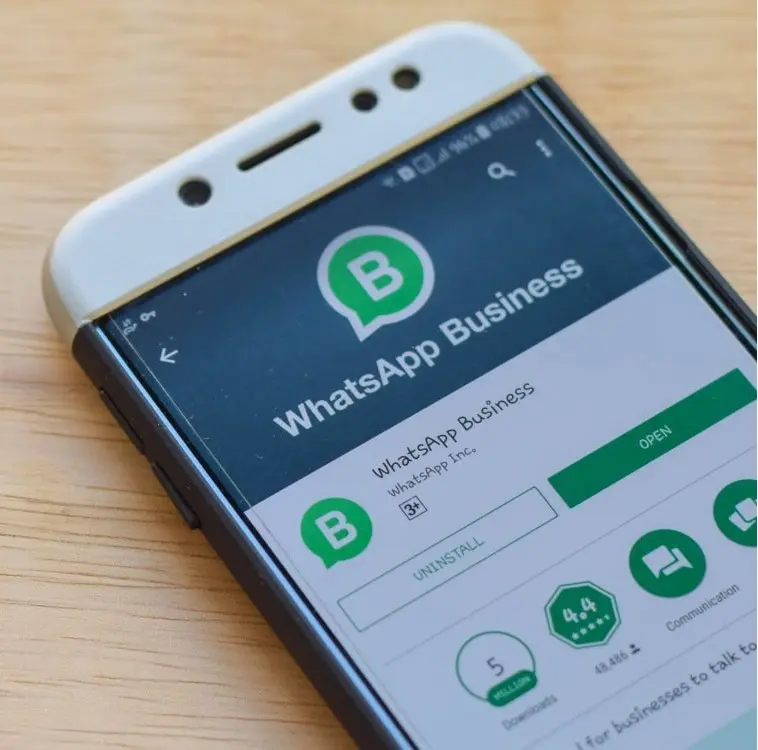
1. Download the right app
Make sure you are using WhatsApp Business, not the standard WhatsApp app.
2. Complete your business profile
Add your business name, description, website, email, and location if relevant. A complete profile looks more trustworthy from the start.
3. Add your catalogue
Use the catalogue feature to showcase your products or services. This is especially useful because it saves you from repeating the same information over and over again.
4. Set your greeting and away messages
Automated replies help you stay professional even when you are busy.
“Hi 👋 Thanks for reaching out. How can I help you today?”
“Thanks for your message. I’m away at the moment, but I’ll get back to you shortly.”
5. Create quick replies
Quick replies are one of the most useful features. They let you save answers to common questions like pricing, delivery, or availability.
“Our products range from £80 to £120 depending on the design. I can also send available styles if you’d like.”
How to Turn Conversations Into Sales
Most businesses lose customers because their replies do not guide the conversation anywhere. They answer the question, but they do not move the person closer to buying.
A simple structure works better:
- Acknowledge: answer the question clearly
- Build interest: mention value, quality, or benefit
- Guide action: ask a question that moves the conversation forward
“Yes, it’s available. It’s handcrafted from premium Italian leather and made for everyday use. Would you like me to send you the available colours?”
That final line matters. It keeps the conversation going instead of letting it go cold.
Use WhatsApp Status as a Selling Tool
A lot of businesses overlook WhatsApp Status, but it can quietly do a lot of work for you.
You can post:
- New product drops
- Behind-the-scenes content
- Client work
- Offers and updates
- Testimonials
Many people may never like or comment, but they watch. And when they are ready, they message.
Connect WhatsApp With the Rest of Your Business
WhatsApp works best when it is part of a bigger system.
For example, someone might first find you through your Google Business Profile, then click through to message you directly on WhatsApp. That creates a simple path from discovery to conversation to sale.
Before customers can convert on WhatsApp, they need to find you first. Read our guide on Google Business Profile.
Common Mistakes That Cost You Sales
- Replying too slowly
- Giving short answers with no follow-up
- Not using the catalogue feature
- Having no clear pricing or offer structure
- Forgetting to guide the customer toward the next step
These small issues can make the difference between a warm lead and a lost one.
Final Thought
WhatsApp Business is not just for chatting. When used properly, it becomes one of the easiest ways to build trust and convert attention into paying customers.
If people are already messaging you, then you already have opportunity. What matters now is having a better system for handling those conversations.
Before you can convert customers on WhatsApp, you need people to find you first. Read our guide on Google Business Profile.
If you are building from scratch, this guide on starting an online business will help you put the full system together.
Keep reading
Tap 👏 to show appreciation
Want a Business Setup That Converts Better?
A strong business system works best when your website, Google presence, and messaging all work together. If you want a cleaner setup that helps turn visitors into enquiries, this is where it starts.
Work With Us